

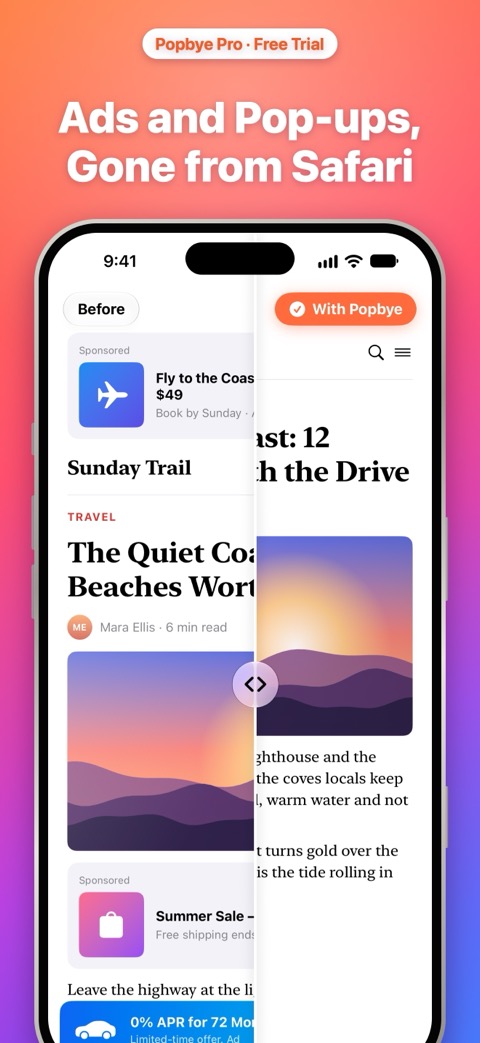

Popbye
UtilitiesRemoves ads, pop-ups, cookie banners and trackers from websites in Safari. No VPN, no account, and your pages are never seen by us.

Photo cleaner for iPhone — free up storage, keep the best shots
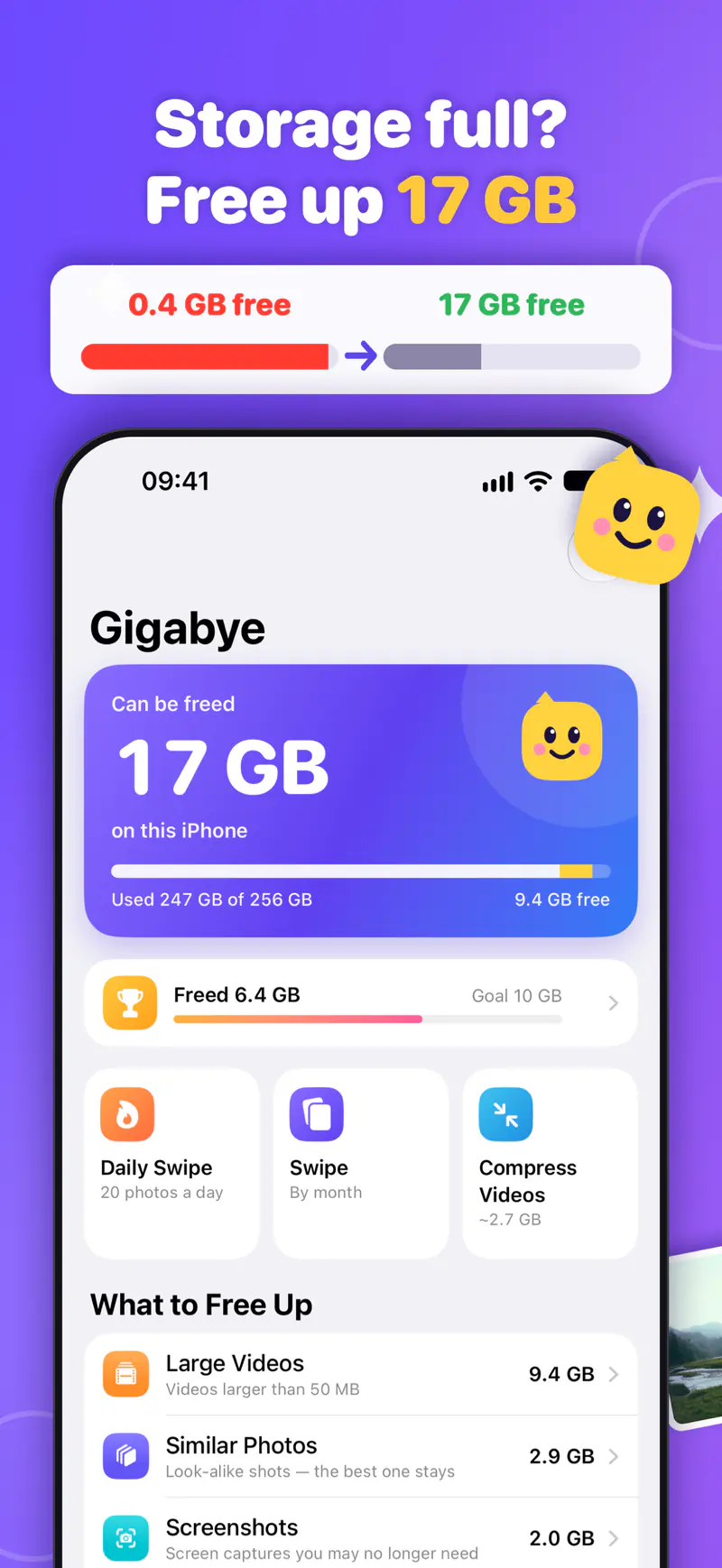
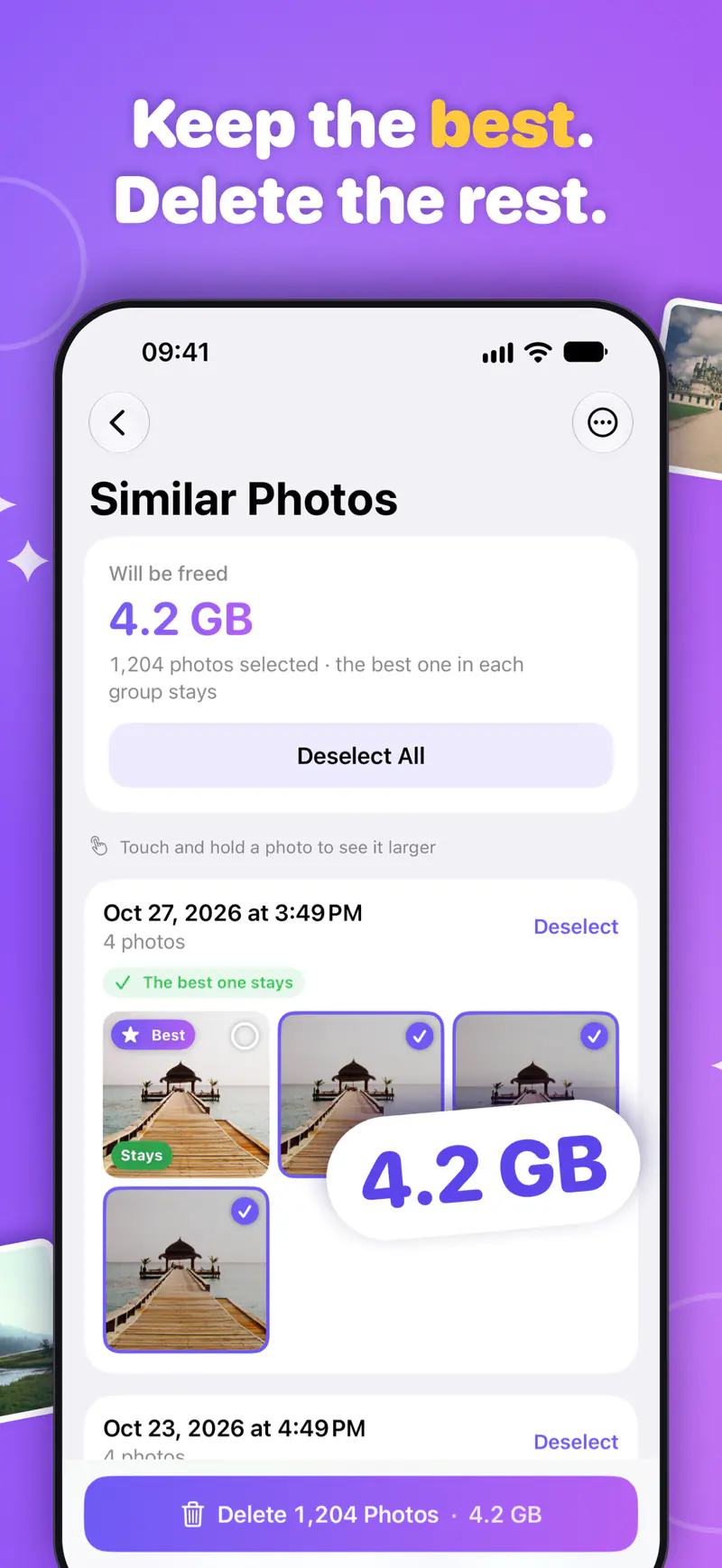
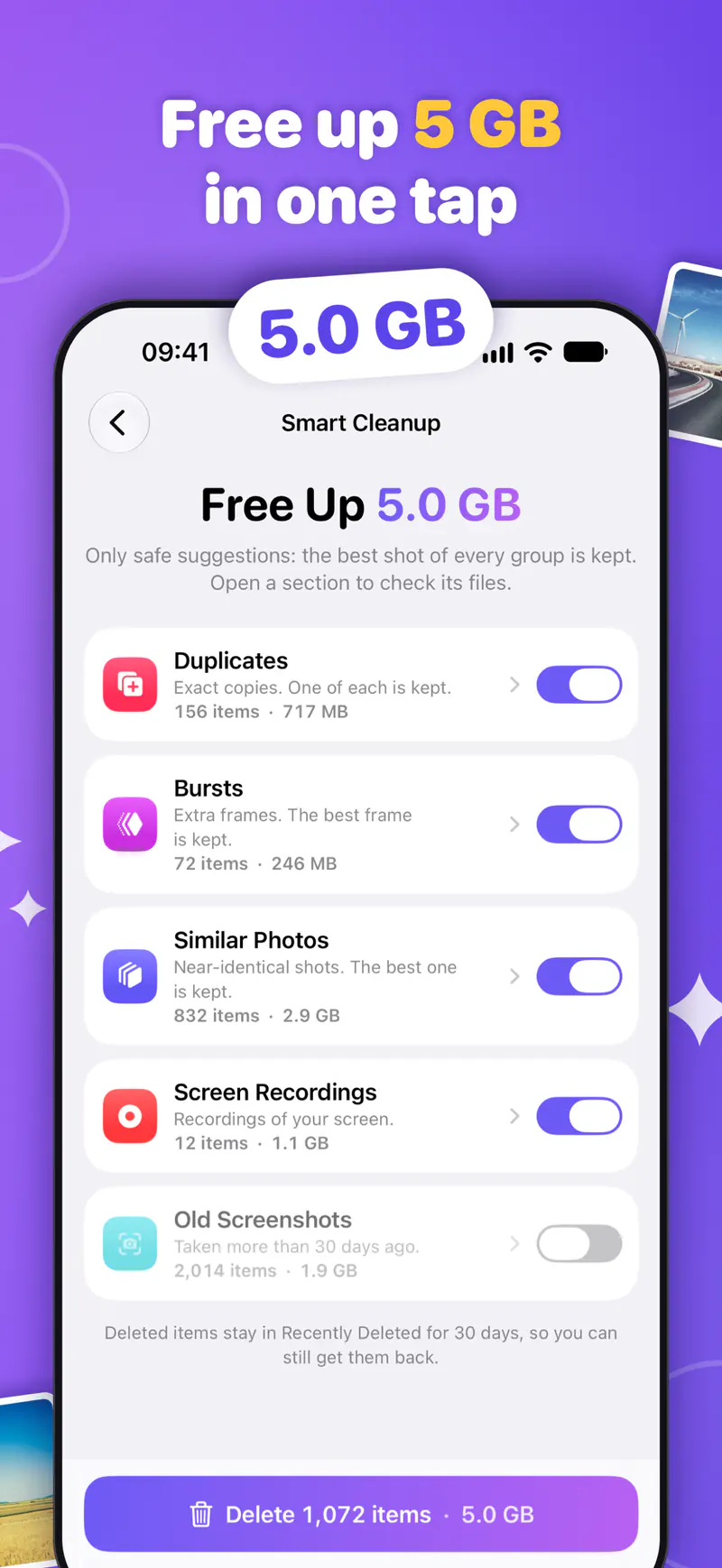
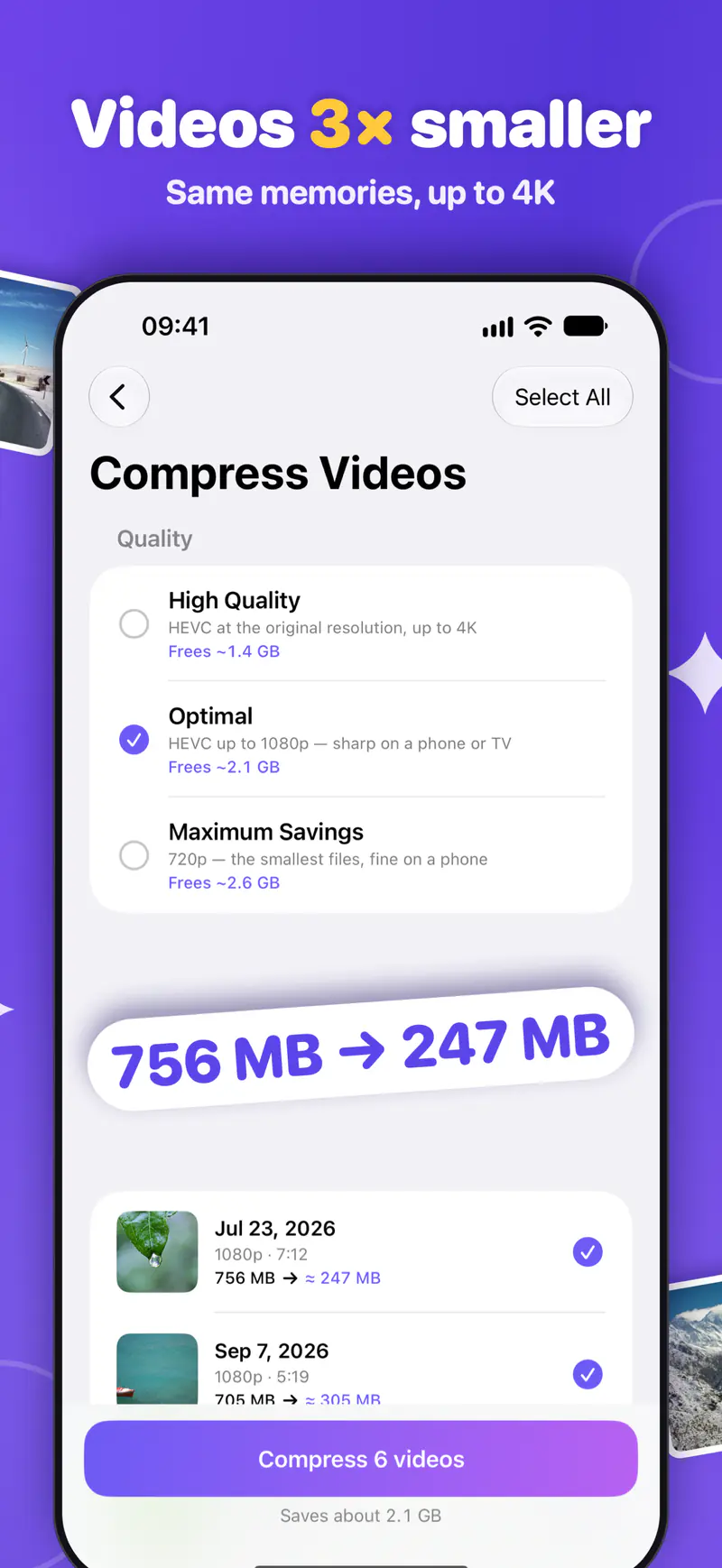
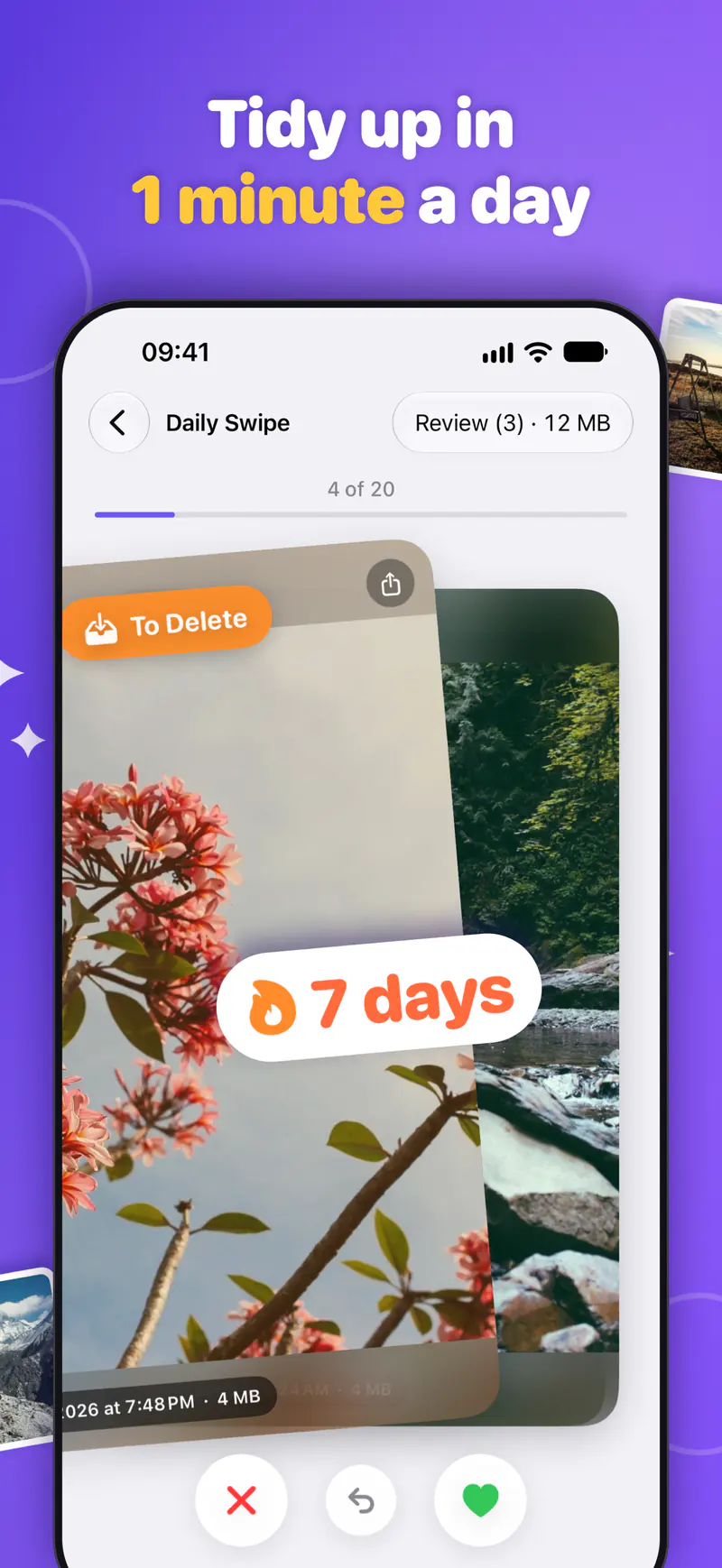

Gigabye helps you get storage back on your iPhone without losing the photos that matter. A free scan shows how much space is taken by duplicate photos, similar shots, screenshots and large videos. Then Gigabye picks the best shot in every group, so you can clean up with one tap or decide photo by photo.
Photos with different text or numbers — for example, two screenshots of different bank transfers — are never treated as duplicates. Videos you want to keep can be compressed instead of deleted: Gigabye estimates how much each quality option frees before you start and skips videos that would not get noticeably smaller.
If you use iCloud Photos, Gigabye shows separately how much iPhone space and how much iCloud space a cleanup frees, and it never downloads your originals to analyze them. After a big cleanup you can share a card with the amount you freed — the card shows only the number, never your photos.
Groups exact copies and near-identical photos taken seconds apart and marks the sharpest one, preferring your favorites.
Shrinks videos to High Quality, Optimal or Maximum Savings instead of deleting them. Date, location and albums are kept.
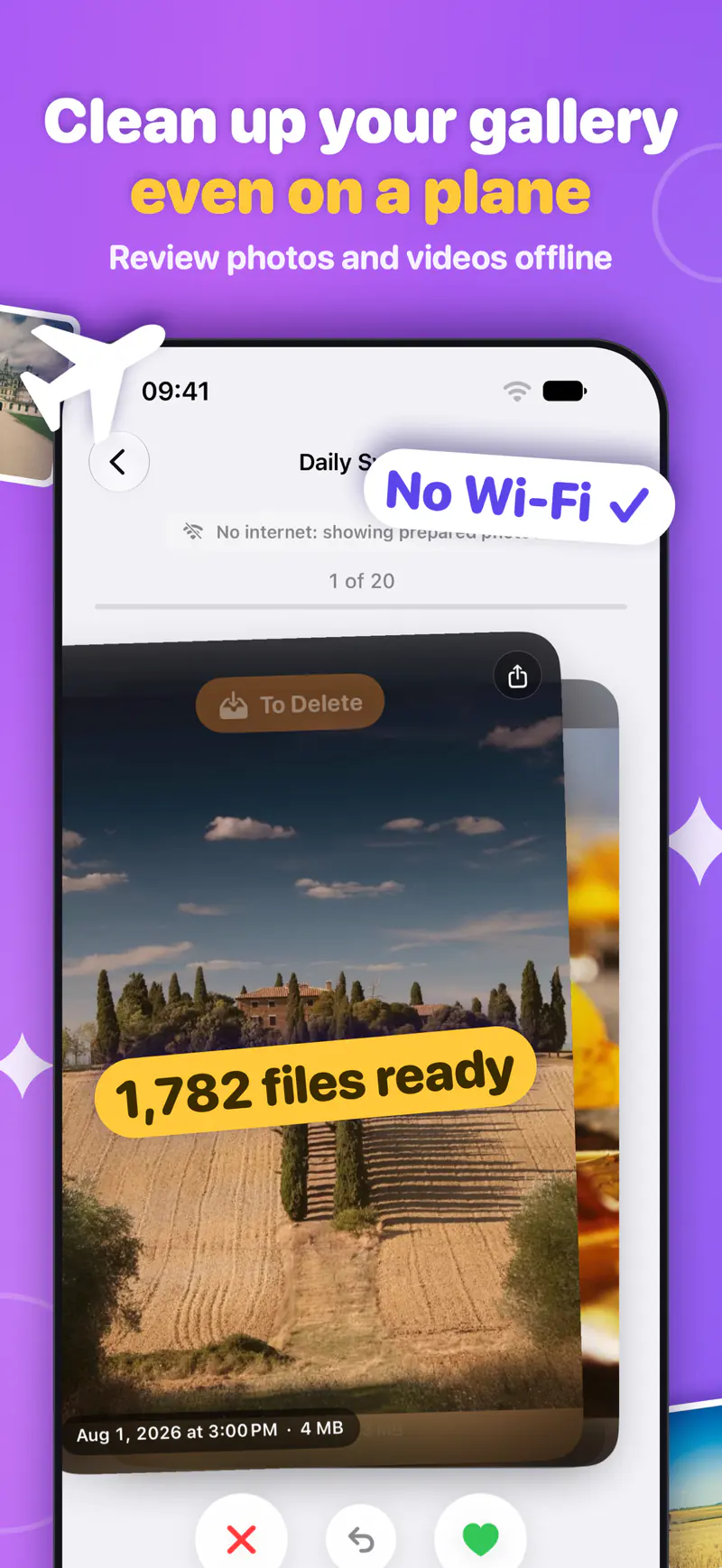
Review 20 photos a day — swipe left to set aside, right to keep. Nothing is deleted until you confirm.
Prepare light copies of iCloud photos before a flight and clean up your gallery without internet.
Photos and videos are analyzed on your iPhone and never uploaded. No account or email needed.
iOS asks before every deletion, and removed items stay in Recently Deleted for 30 days.
Downloading the app and scanning your library are free, so you can see how much space duplicates, similar shots, screenshots and videos take. Deleting, compressing videos and converting Live Photos are part of Gigabye Pro, a weekly or yearly subscription.
No. All analysis runs on the iPhone, and your photos and videos never leave the device.
To the Recently Deleted album in the Photos app, where they can be restored for 30 days.
Any iPhone with iOS 17.6 or later.
Removes ads, pop-ups, cookie banners and trackers from websites in Safari. No VPN, no account, and your pages are never seen by us.