

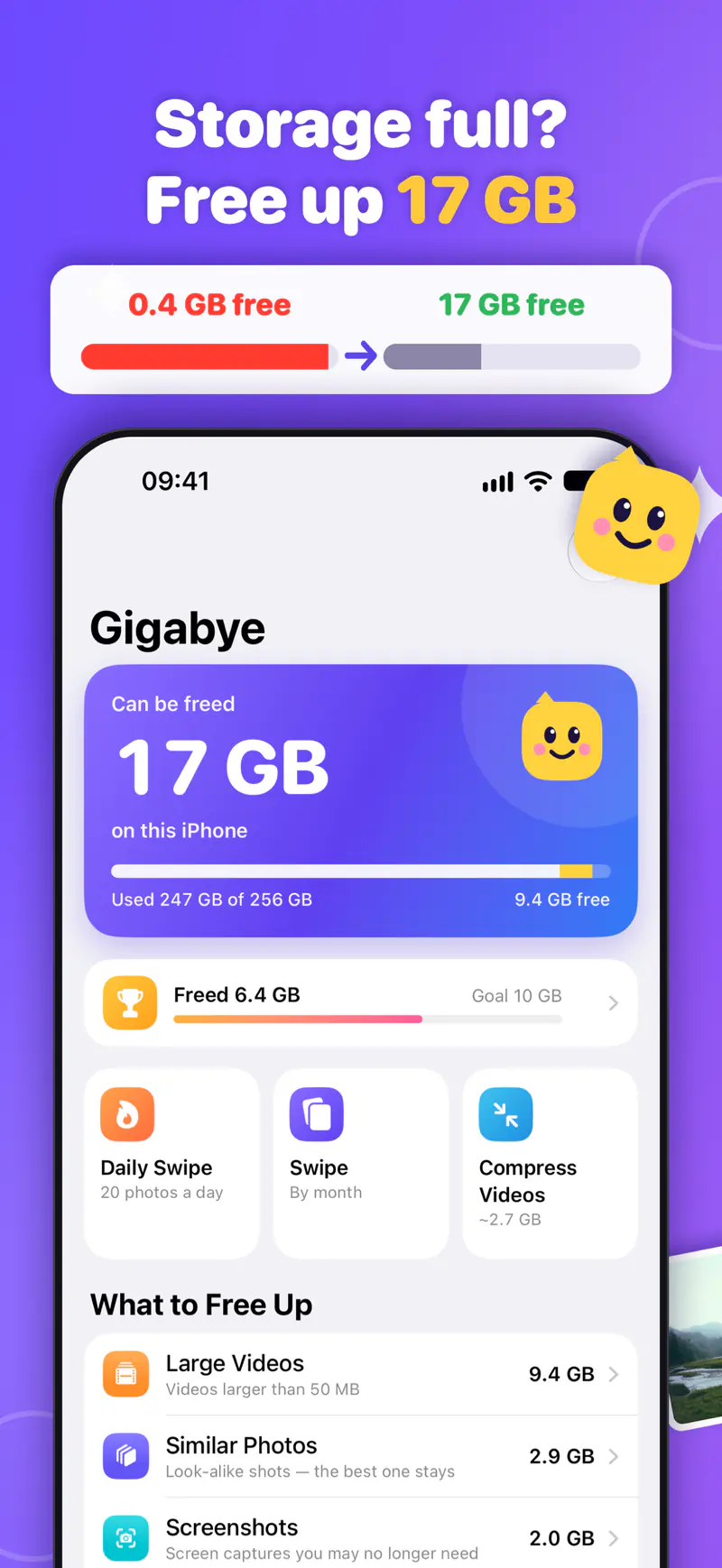
Gigabye
UtilitiesFinds duplicate and similar photos, screenshots and large videos, keeps the best shot of every group and compresses videos you want to keep.
Vymote turns your iPhone and Apple Watch into a remote for your smart TV. Connect in three steps: put the TV and the iPhone on the same Wi‑Fi, tap “Find Your TV” in the app and confirm on the TV screen. After that your phone works as the remote.
Beyond the basics, Vymote lets you type searches with your iPhone keyboard, open TV apps and switch HDMI inputs, show photos and videos on the big screen and fall asleep to the TV with a sleep timer that gently fades the sound before turning the TV off.
A circle with OK, a touchpad or a number pad — plus back, home, volume, channels and pause.
Search with your iPhone keyboard or dictation, and letters appear on the TV as you type.
The sound gently fades to 30%, then the TV turns off. Your volume comes back next time.
Show photos, slideshows and videos on the TV straight over Wi‑Fi. Nothing is uploaded.
Volume with the Digital Crown, controls on the Lock Screen and in Control Center, voice commands with Siri.
Open TV apps and switch HDMI inputs with one tap. Eight remote themes to choose from.
Samsung smart TVs (Tizen, 2016 and newer), LG webOS TVs, Roku TVs and players, and Google TV / Android TV models.
No. iPhone has no infrared — your iPhone and TV just need to be on the same Wi‑Fi network.
The basic remote is free with no ads. Extra remote themes and some features come with Vymote Pro.
Finds duplicate and similar photos, screenshots and large videos, keeps the best shot of every group and compresses videos you want to keep.
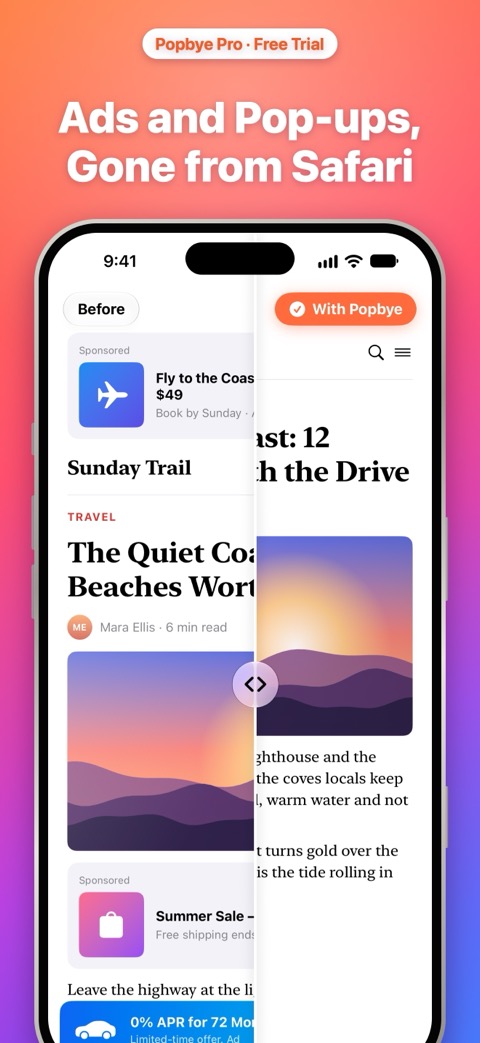

Removes ads, pop-ups, cookie banners and trackers from websites in Safari. No VPN, no account, and your pages are never seen by us.
