

Gigabye
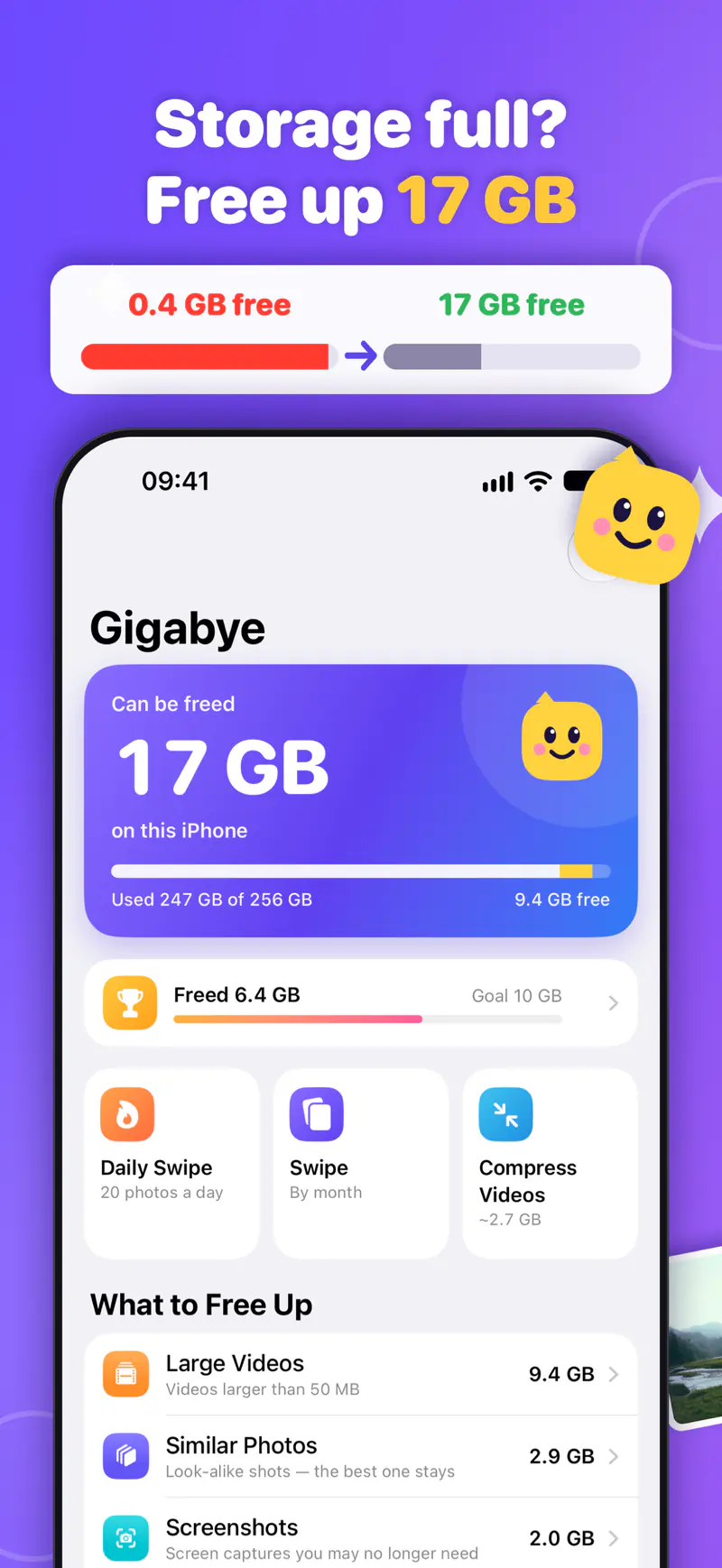
UtilitiesFinds duplicate and similar photos, screenshots and large videos, keeps the best shot of every group and compresses videos you want to keep.

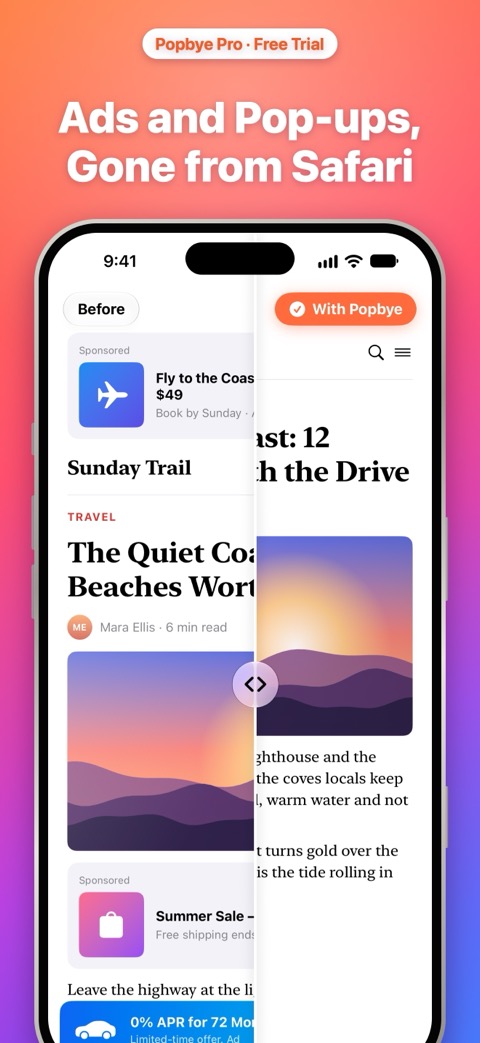
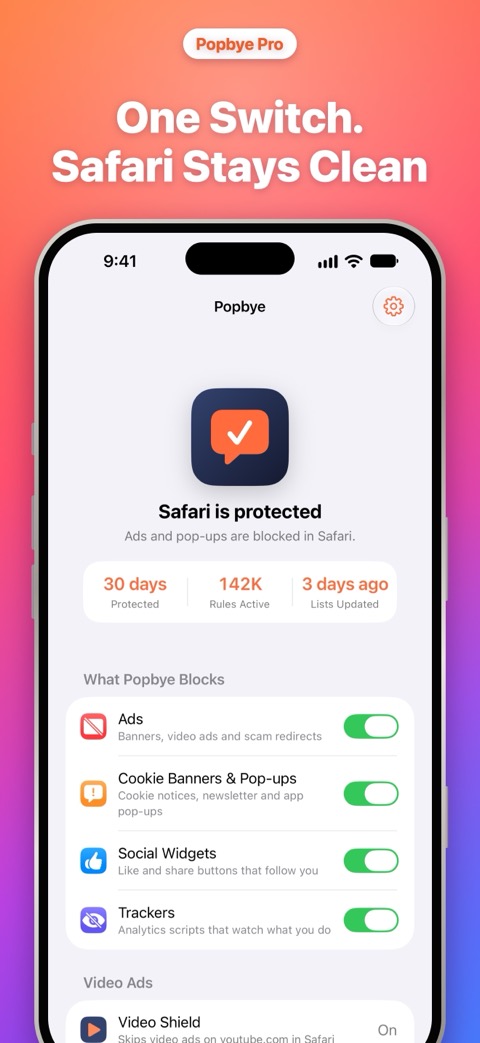
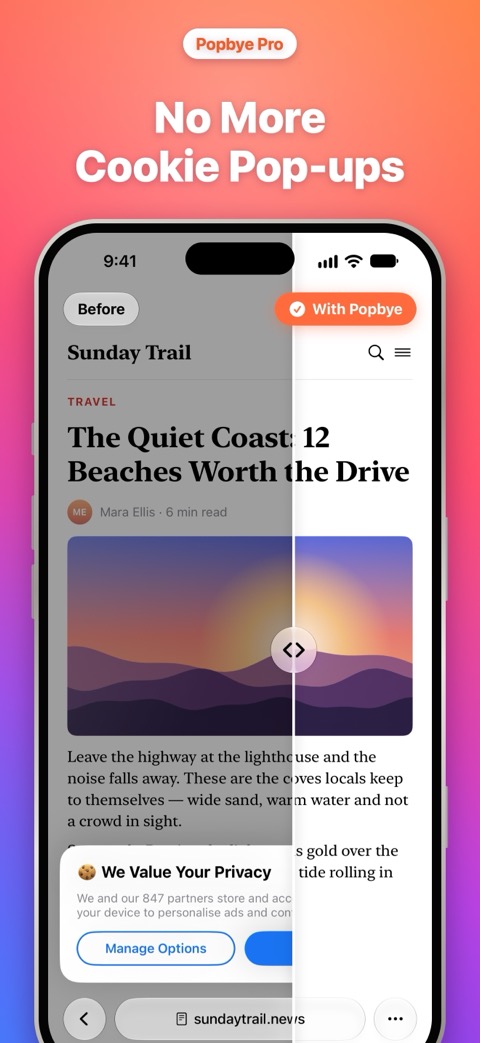
Popbye cleans up the websites you open in Safari on iPhone: ads, pop-ups, cookie banners and trackers disappear, so a page is just the page. You turn it on once in Safari settings — the app shows every step and confirms when blocking is active.
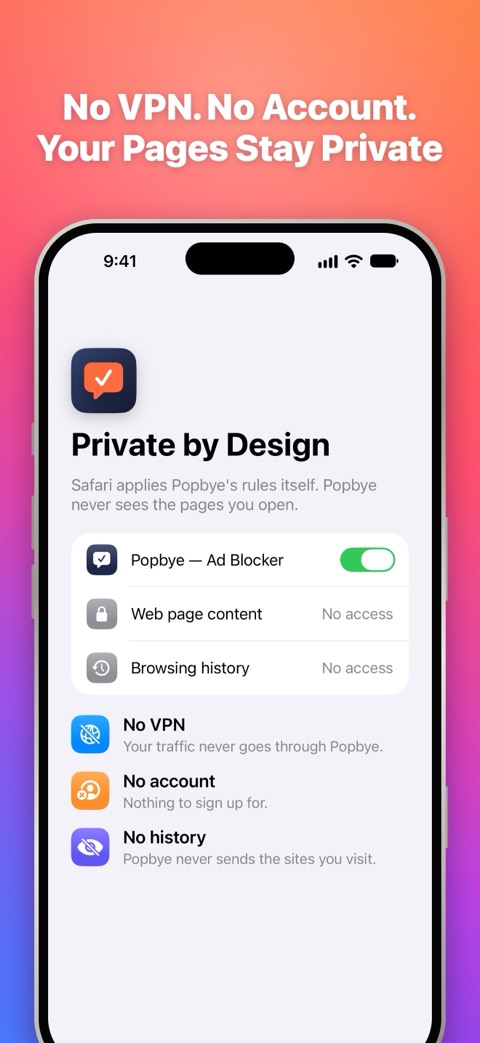
Popbye uses Safari’s built-in content blocking and regularly updated filter lists, and you choose what to block in the app. Because Safari applies the rules itself, Popbye never sees the pages you visit and your traffic never goes through our servers. There is no VPN and no account to create.
Banner ads, pop-ups, pop-under windows and scam redirects are blocked on websites you open in Safari.
Cookie notices, newsletter boxes and "allow notifications" prompts get out of your way.
An optional tracker blocker stops many tracking scripts and pixels from loading.
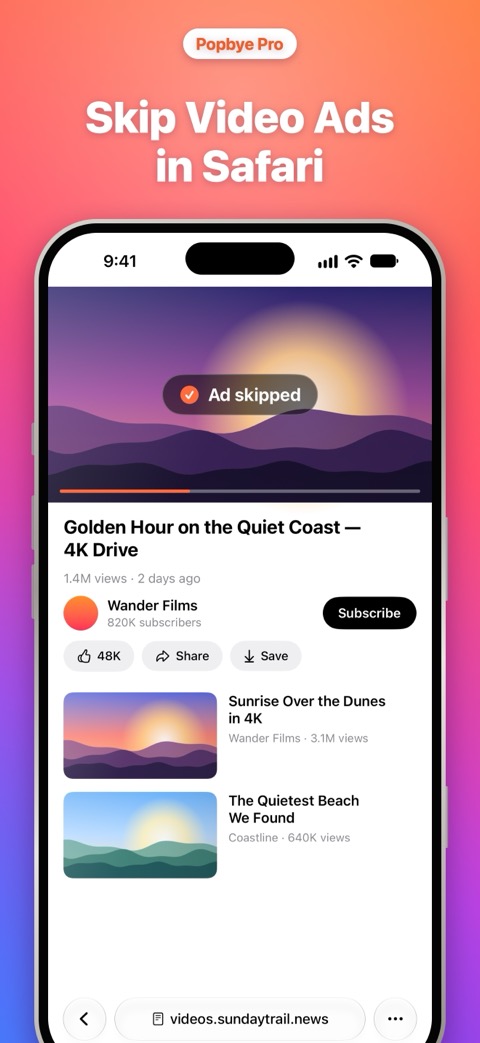
Optionally skips video ads on youtube.com in Safari (not in the YouTube app).
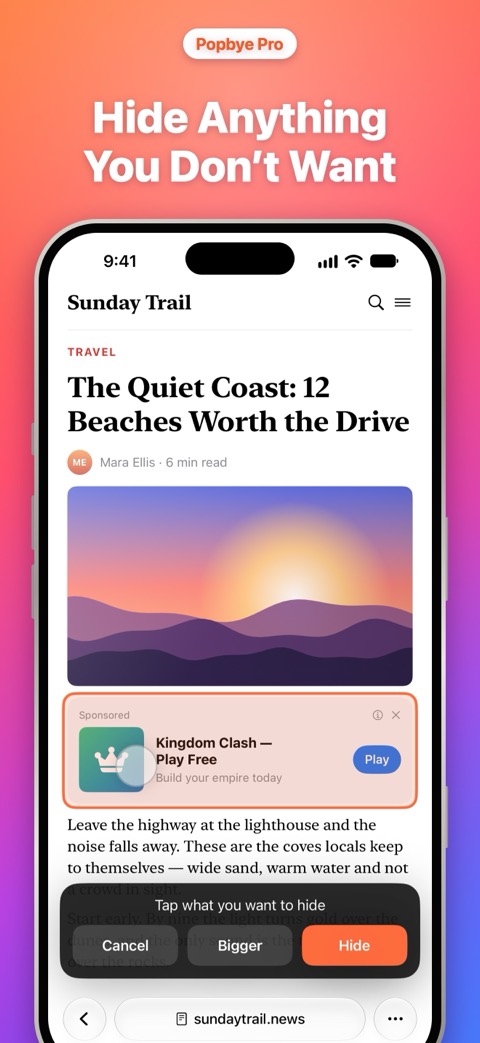
Still see something annoying? Hide any element on the page with a tap.
If a website breaks, pause Popbye just for that site from the Share menu.
No. On iPhone, Apple allows content blockers only in Safari, so no App Store ad blocker works in other apps, games or browsers. Making Safari your default browser lets every link open clean.
No. Popbye gives Safari a list of rules, and Safari applies them on its own. It is not a VPN and does not route your traffic.
iPhones with iOS 17 or later.
Finds duplicate and similar photos, screenshots and large videos, keeps the best shot of every group and compresses videos you want to keep.